
Check You’re KE Duplicate Bill Online Fast and Easy
Didn’t receive your K-Electric bill or lost it somewhere? Don’t worry you can easily check your duplicate electricity bill online at kebill.online.
Simply enter your 13-digit account/reference number, complete the verification, and click the submit button. Your latest K-Electric bill will appear on the screen within seconds.
How It Works Simple and Easy?
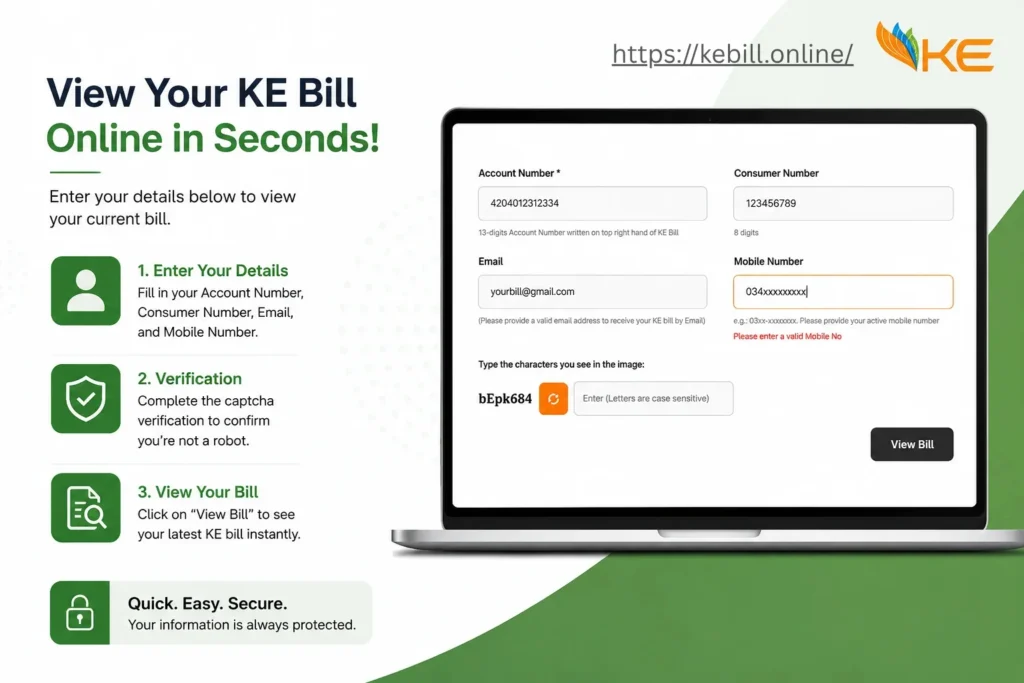
- Open the Bill Checker: Go to kebill.online on your phone or computer. You will see a simple form on the screen.
- Enter Your Account Number: Type your 13-digit account number in the first box. You can find this number on the top right corner of any old KE bill.
- Enter Your Consumer Number: Type your 8-digit consumer number in the second box. This is also printed on your bill.
- Add Your Email and Mobile Number: Enter your email address to receive the bill by email. Add your mobile number in the format 03xx-xxxxxxx.
- Complete the Captcha: Type the characters shown in the image box. This is just a security check letters are case sensitive so type exactly as shown.
- Click “View Bill”: Hit the View Bill button. Your KE duplicate bill will appear on the screen instantly.
- Download or Print: Once your bill is on screen, save it as a PDF or print it directly simple.
Other Ways to Check Your K-Electric Bill
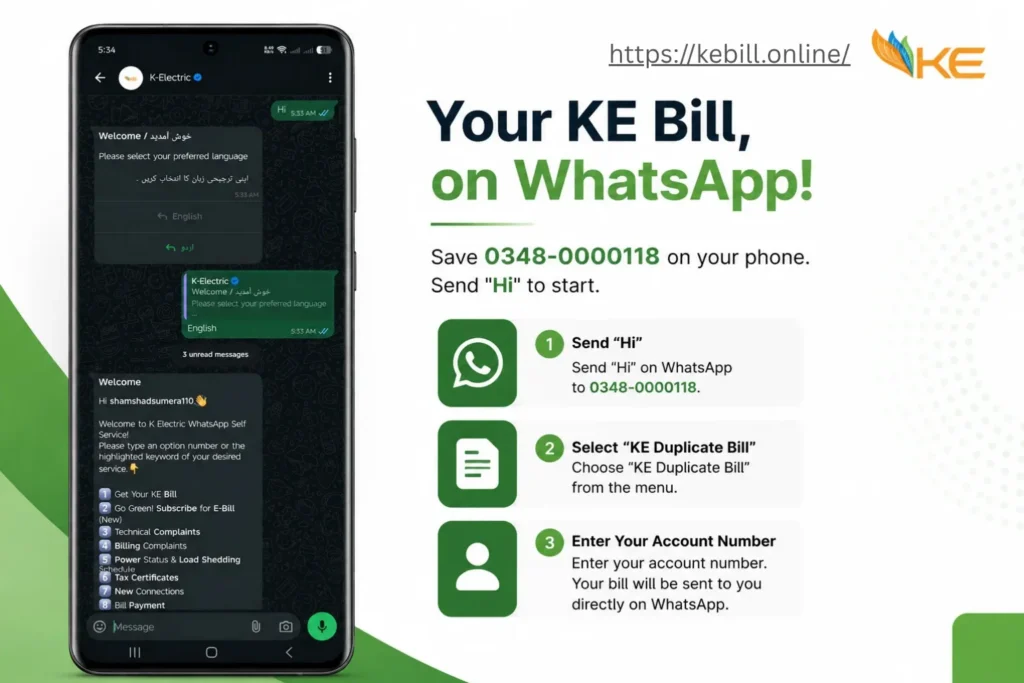
Option 1 WhatsApp: Save 0348-0000118 on your phone. Send “Hi” to start. Select “KE Duplicate Bill” from the menu and enter your account number. Your bill will be sent to you directly on WhatsApp.
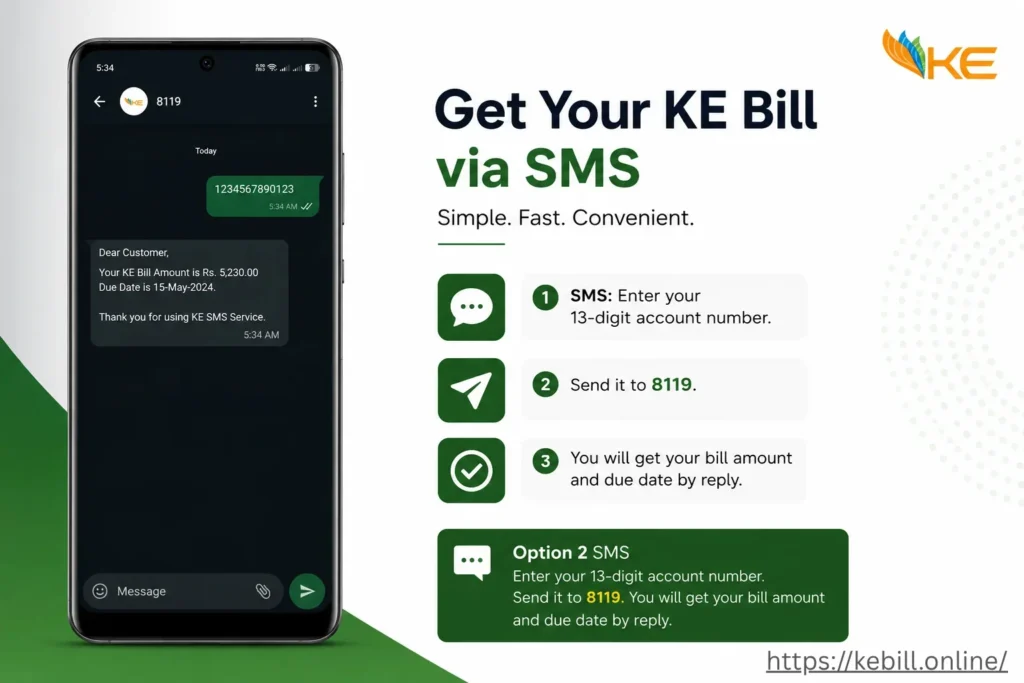
Option 2 SMS: Enter your 13-digit account number. Send it to 8119. You will get your bill amount and due date by reply.
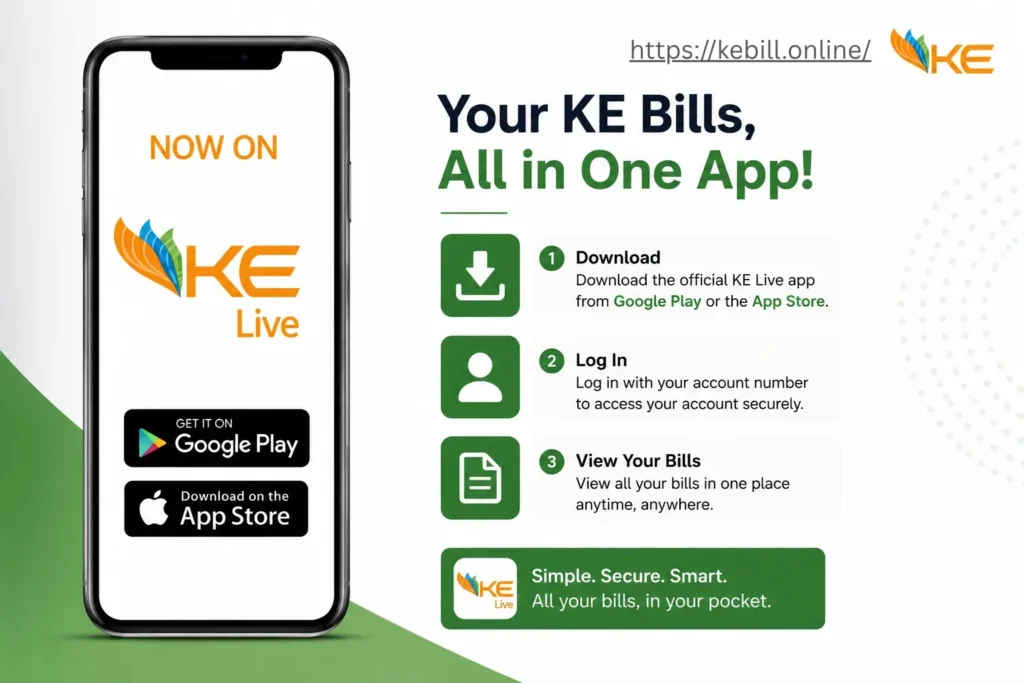
Option 3 KE Live App: Download the official KE Live app from Google Play or the App Store. Log in with your account number and view all your bills in one place.
How to Pay Your K-Electric Bill?
Pay K-Electric Bill Online:
Easily pay your electricity bill using popular mobile wallets and banking apps, including:
Simply open your app, go to the Bill Payment section, select K-Electric, enter your account number, and complete your payment in a few taps.
Pay K-Electric Bill in Person:
If you prefer offline payment, you can pay your K-Electric bill at:
- Any commercial bank
- Microfinance banks
- Post offices
- TCS offices near you
Just bring a printed copy or download PDF/image of your electricity bill for quick payment processing.
Peak Hours Electricity Costs More During These Times
K-Electric applies higher electricity rates during peak hours because electricity demand is highest during the evening. Using heavy electrical appliances during these hours can increase your monthly electricity bill significantly.
To save electricity and reduce your bill, try to avoid using high-power appliances such as:
- Washing machines
- Electric irons
- Air conditioners
- Water motors
- Electric heaters
- Microwaves and ovens
Instead, use these appliances during off-peak hours when electricity rates are lower.
K-Electric Peak Hours Schedule
- April to October 6:30 PM to 10:30 PM
- November to March 6:00 PM to 10:00 PM
By managing your electricity usage smartly and avoiding unnecessary power consumption during peak hours, you can lower your energy costs and improve energy efficiency at home.
K-Electric Helpline Customer Support & Complaint Services
If you are facing any issue related to your K-Electric bill, electricity connection, load shedding, meter reading, or any other service, you can contact the K-Electric helpline for quick assistance. KE customer support is available 24/7 to help customers with complaints, guidance, and technical support.
K-Electric Head Office Address
KE House, 39-B, Sunset Boulevard, Phase-II, DHA, Karachi
K-Electric Helpline Numbers
- Customer Care: 118 or 99000
- Technical Support: +92-21-3263 7132
K-Electric Email Addresses
- Billing Queries: customer.care@ke.com.pk
- Electricity Theft / Fraud Reporting: speakup@ke.com.pk
- Net Metering Support: net.metering@ke.com.pk
Other Ways to Contact K-Electric
Apart from phone and email support, customers can also submit complaints, track issues, and get information through:
- WhatsApp support
- SMS services
- Official KE customer support channels
Whether you need help with bill correction, outage complaints, new connections, or payment issues, K-Electric’s support team is available anytime to assist you.
Frequently Asked Questions (FAQs)
Yes, this website is completely free to use. You can check, view, and download your K-Electric bill online without paying any charges.
No account or registration is required. Simply enter your K-Electric account number and your latest bill will appear instantly.
You need your 13-digit K-Electric account number. You can find this number printed on any previous KE electricity bill.
Yes. Once your bill is displayed, you can easily download and save it as a PDF for printing or future use.
Yes, you can still pay your bill after the due date. However, K-Electric may apply a late payment surcharge. To avoid extra charges, it is recommended to pay before the due date mentioned on your bill.
Yes, K-Electric is a private power company. It was privatized in 2005. Currently, around 66.4% ownership belongs to KES Power, while the Government of Pakistan still holds a minority share.
Your tariff category and electricity rates are mentioned on your KE bill under the customer details section. For updated tariff information, you can also visit the official K-Electric website.